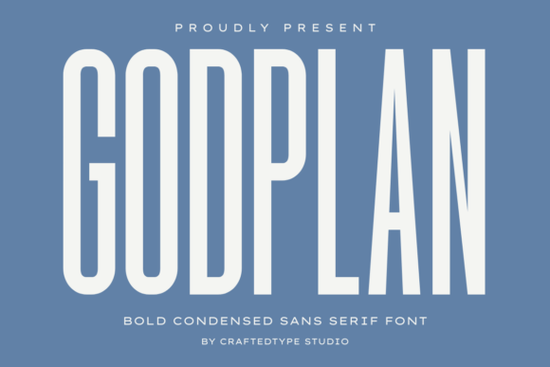
Looking for a bold condensed typeface that makes a strong impression without taking up too much room? Godplan is a condensed sans serif font built for exactly that. Its tall, narrow letterforms and heavy strokes give your text a commanding presence in tight layouts. Whether you're designing t-shirts, gym apparel, or social media graphics, this typeface delivers a clean, modern edge that works across many creative projects.
What kind of projects is Godplan best suited for?
Godplan works well anywhere you need bold, high-impact typography in a compact space. Here are some common uses:
- Print on Demand designs t-shirts, hoodies, tote bags, and posters
- Gym and fitness apparel motivational phrases and team branding
- Sports branding logos, banners, and event materials
- Social media graphics Instagram posts, YouTube thumbnails, and story templates
- Film and video titles cinematic opening sequences and title cards
- Urban streetwear branding logos and packaging with a contemporary feel
Its condensed shape is especially helpful when you're working with longer phrases on products like mugs or phone cases, where horizontal space is limited but you still want the text to read clearly from a distance.
How does Godplan compare to other sans serif fonts?
Not all sans serif fonts serve the same purpose. Some are designed for body text and long reading, while others are made to grab attention at a glance. Godplan falls firmly in the second category it's a display font meant for headlines, logos, and branding elements.
If you need something more versatile for body copy or pairing alongside a bold display font, Nunito Sans is a popular choice. Its rounded, friendly letterforms balance nicely with a typeface like Godplan.
For designers who like condensed styles but want a slightly different mood, Moon Walk offers a futuristic take on narrow sans serif design. And if you're drawn to fonts with strong geometric weight, Bouldy brings a chunky, playful energy that contrasts with Godplan's more structured, architectural tone.
You can also explore a wider range of sans serif fonts for clean, modern projects if you're building a font library for multiple design needs.
What file formats and features does Godplan include?
Godplan comes in both OTF and TTF formats, so it works smoothly on both Mac and Windows systems. It's also fully PUA encoded, which means you can access every character including alternates and special glyphs without needing professional design software. This is a real plus for crafters who use tools like Cricut Design Space or Silhouette Studio.
Is Godplan a good fit for POD sellers?
Yes, and here's why it works particularly well for print-on-demand:
- Space efficiency The condensed form lets you fit longer phrases on small product areas like chest prints or sleeve designs.
- Strong readability Even at smaller sizes, the thick strokes keep text legible on both screens and printed products.
- Modern aesthetic Its clean, no-nonsense style appeals to a broad audience, from fitness enthusiasts to streetwear fans.
- Versatile pairing It plays well with script fonts, serifs, or even other sans serifs for layered typographic compositions.
For sellers on platforms like Redbubble, Merch by Amazon, or Etsy, having a font that looks professional and scales well across different product types saves time during the design process.
How should you pair Godplan with other fonts?
A good rule of thumb for font pairing is contrast. Since Godplan is bold, condensed, and uppercase-friendly, pair it with something lighter and more relaxed for body text or supporting copy. A clean sans serif with more breathing room works well, as does a simple script for accent text.
Avoid pairing it with another heavy condensed font that tends to create visual clutter rather than hierarchy.
Quick checklist before you start designing with Godplan
- Install both the OTF and TTF files to ensure compatibility across your tools
- Use all-caps settings for maximum visual impact in headlines and logos
- Test readability at the final print size before uploading to your POD platform
- Pair with a lighter, wider font for body text or secondary information
- Check that your design software supports PUA-encoded characters for full glyph access
You can find Godplan available for download on Creative Fabrica, along with licensing details and preview images showing real-world mockups.
Download Now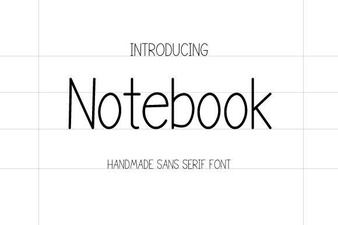 Notebook Font - Free Sans Serif Font for Clean Handwritten Designs
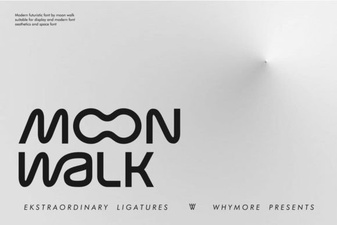 Moon Walk Font: Bold and Creative Design for Your Projects
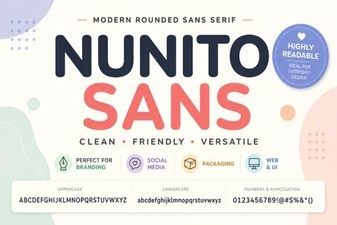 Nunito Sans Font: Clean Modern Typography for Every Project
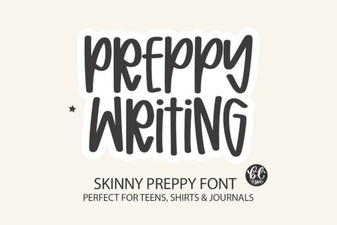 Elegant Preppy Writing Fonts for Stylish Design Projects
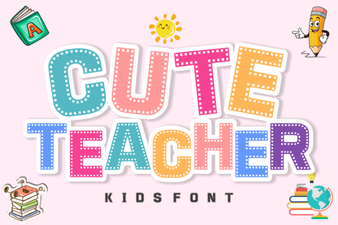 Playful Fonts for Creative Classrooms
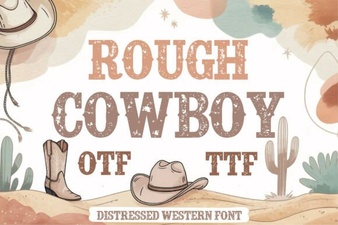 Rough Cowboy Font: Bold Western Style for Creative Projects