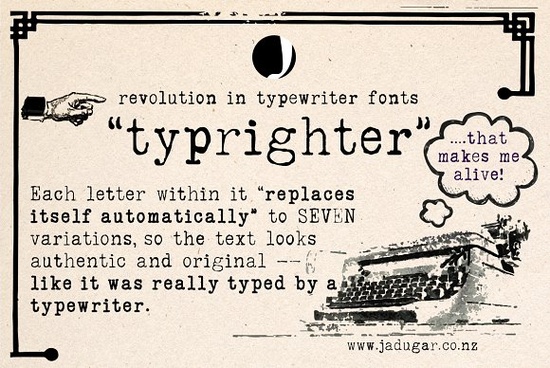
If you've ever tried to recreate that authentic typewriter look in a design, you know most digital fonts fall short. The same letter appears identically every time, which immediately breaks the handmade feel. The Typrighter typewriter font takes a different approach it uses contextual substitutions so each letter automatically cycles through up to 7 unique variations as you type. This means your text looks genuinely hand-struck, with natural imperfections built right in.
How Does Typrighter Create Realistic Letter Variation?
Typrighter uses an OpenType feature called contextual alternates. Here's what that means in plain terms: the font file contains multiple versions of each letter. When you type in a program that supports OpenType features like Adobe Illustrator, Photoshop, Affinity Designer, or even Microsoft Word the font automatically picks a different variation for each character depending on its position and surrounding letters.
So if you type the word "letter," the two e's and two t's won't look identical. The font handles this on its own. You don't have to manually swap characters or adjust anything. It just works as you type.
This is what separates it from most typewriter fonts on the market. Many typewriter-style typefaces give you just one static version of each letter, and the repetition becomes obvious, especially in longer text blocks.
Who Should Consider Using This Font?
Typrighter works well for anyone who needs that vintage, mechanical look without it feeling forced or artificial. Specifically:
- Print-on-demand sellers designing retro t-shirts, mugs, or posters
- Wedding stationery designers who want an old-world, romantic aesthetic
- Book and album cover designers working on mystery, thriller, or historical projects
- Scrapbookers and card makers who love a handmade feel
- Small business owners building a brand with a nostalgic or artisan personality
- Bloggers and content creators designing graphics with a vintage editorial vibe
What Software Do I Need to Use It?
Typrighter works in any application that supports OpenType contextual alternates. Most modern design software does. Here are some common options:
- Adobe Illustrator, Photoshop, and InDesign full OpenType support
- Affinity Designer and Affinity Publisher great support for alternates
- Procreate supports basic OpenType features
- Canva limited OpenType support, so results may vary
- Silhouette Studio and Cricut Design Space supports the font, but contextual alternates may not activate in all versions
If you're not sure whether the alternates are working, type a sentence with repeated letters and look closely. If the repeated letters look slightly different from each other, the feature is active.
What Kinds of Designs Work Best With Typrighter?
Because this font has a lot of detail and character, it works best when it has room to breathe. Some project ideas:
- Social media quote graphics with a moody or vintage tone
- Product labels and packaging for handmade or small-batch goods
- Zines and indie publications
- Greeting cards and invitations
- T-shirt designs with typewriter-themed or retro messaging
- Website hero sections where you want bold, characterful headlines
For body text or very small sizes, you might want to pair Typrighter with a cleaner companion. Something like the Whimora serif typeface works nicely as a complementary option it keeps things readable while Typrighter handles the headlines and display text.
Where Can I Download Typrighter?
You can find Typrighter on Creative Fabrica. If you have a Creative Fabrica subscription, it's included. You can also purchase it separately if you prefer. The license covers both personal and commercial use, which makes it a solid choice for designers who sell their work.
Before You Start: A Quick Checklist
- Check your software make sure it supports OpenType contextual alternates
- Enable the feature in Adobe apps, look in the OpenType panel; in Affinity, check the Typography section
- Test with real text type a few sentences with repeated letters to see the variation in action
- Don't overcrowd it give Typrighter space in your layout so the letter details stay visible
- Pair it wisely use a simpler font for body text and let Typrighter handle display and headings
- Verify the license double-check that the usage rights match your project type, especially for commercial work
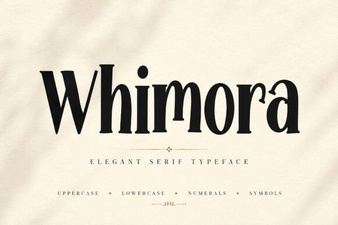 Whimora Font: Elegant Typefaces for Creative Designers
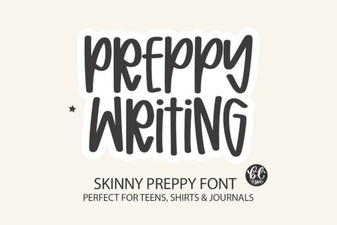 Elegant Preppy Writing Fonts for Stylish Design Projects
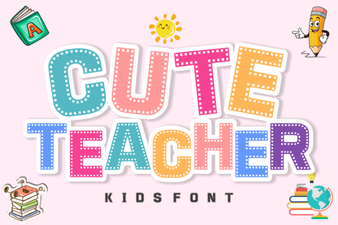 Playful Fonts for Creative Classrooms
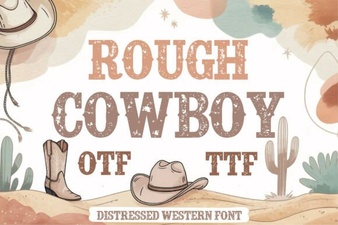 Rough Cowboy Font: Bold Western Style for Creative Projects
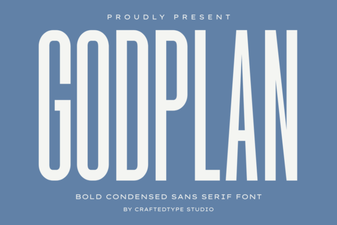 Godplan Font: Elegant Typography for Creative Design Projects
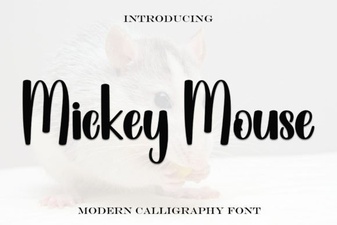 Mickey Mouse Script Font - Free Disney Inspired Typeface Download